 filmo
For Android · beta now, coming to Google Play
Everything you need to make a video. Zero of the rest.
Film, cut and export up to 4K on your phone. No account, no ads, no tracking, no watermark. filmo can't even go online, so your videos never leave your phone.
- Noaccounts
- Noads
- Notrackers
- Nowatermarks
- Nouploads
You're on the list. Thank you.
I'll email you when there's a spot in the beta. Know someone who films themselves and is tired of ads and sign-ups?
Your email is used for the invite and nothing else.
What you won't find
What filmo will never do
Most video apps don't make money from the app. They make it from you: ads, your data, your videos on their servers, a logo on your video until you pay. filmo has none of that, and it's built so it can't.
- No
accounts
Open it and film. No sign-up, no login, no email, no phone number.
- No
ads
Not before an export, not between tools, not ever.
- No
trackers
No analytics, no ad IDs, no usage reports. Nothing inside watches what you do.
- No
watermarks
Your video comes out clean, at the quality you picked, up to 4K.
- No
uploads
Every cut, effect and export happens on the phone. Your videos only go where you share them.
- No
internet access
filmo doesn't have the internet permission. It couldn't send your data anywhere, even if it wanted to.
Don't take my word for it
Check it yourself
Every app says it cares about privacy. These are things you can see, not things you have to believe.
- Look at the permissions. On Google Play, open filmo, then About this app, then App permissions. You'll see the camera, the microphone, and a few that keep an export running. "Full network access", the one every app needs to go online, is not there.
- Read the Data safety box. The listing says "No data collected" and "No data shared with third parties". With no internet access, there is no way to break that.
- Turn on airplane mode. Film, cut, clean the sound and export in 4K. Everything works the same, because nothing ever needed the internet.
Why it exists
None of that, and nothing taken away
Talking videos are simple: a few takes, a few cuts, the audio cleaned up. Yet the usual way is to move big files to a computer, or to use a phone app that wants an account, shows ads and puts its logo on your video.
So I built the app I wanted: record, then fix it right there on the phone, in a few minutes, with nothing in the way. I use it for my own videos and change it every time something bothers me.
Made by creators, for creators.
- 01
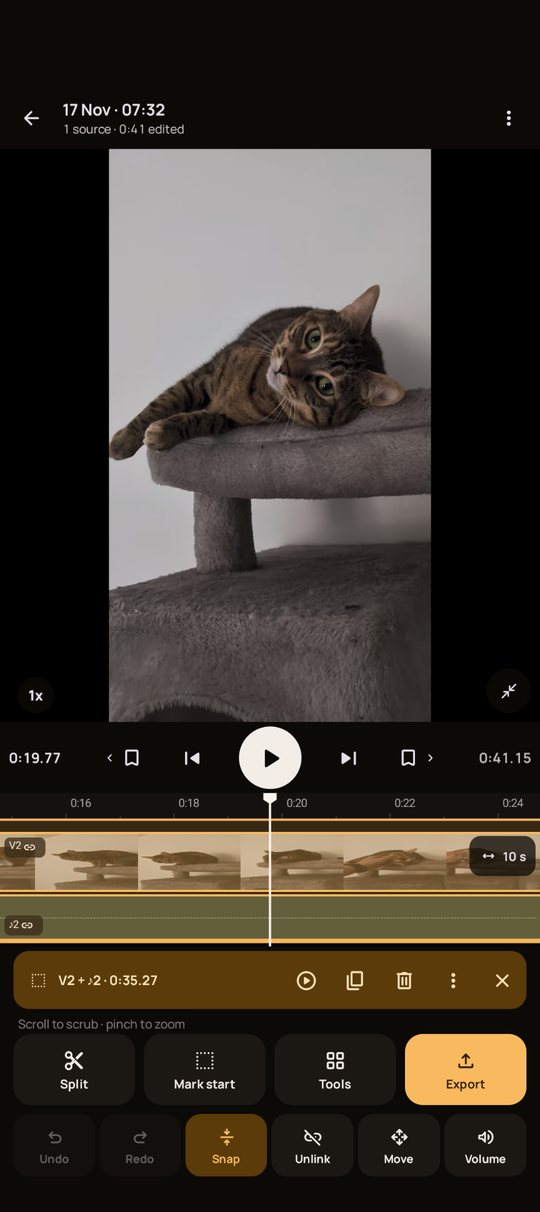
Nothing is ever lost. Your recordings are never changed. Every cut and effect sits on top, and every action can be undone.
- 02
Edits show up where you are. Move through the video and what you added pops up as small buttons. Tap one to change or remove it.
- 03
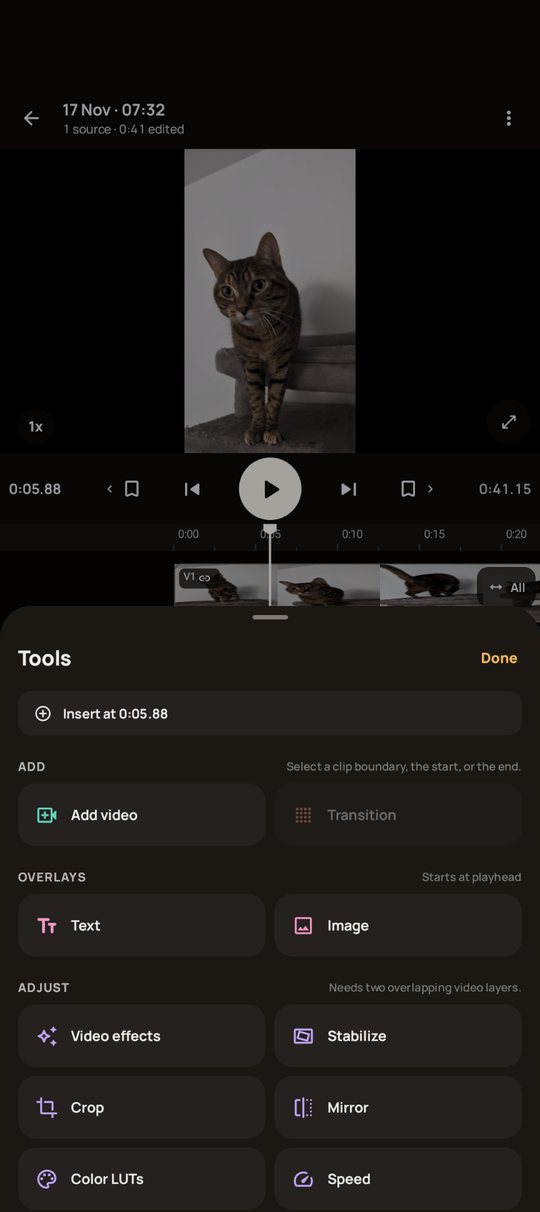
No chaos. A few big buttons and one Tools sheet, not a wall of menus.
The screens
Record, edit, export
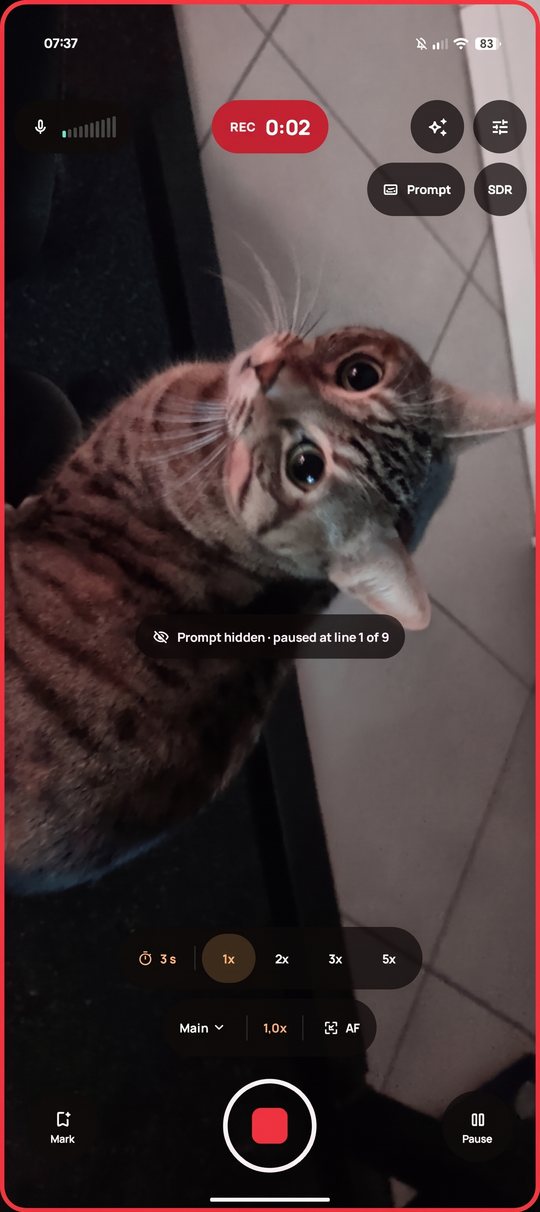
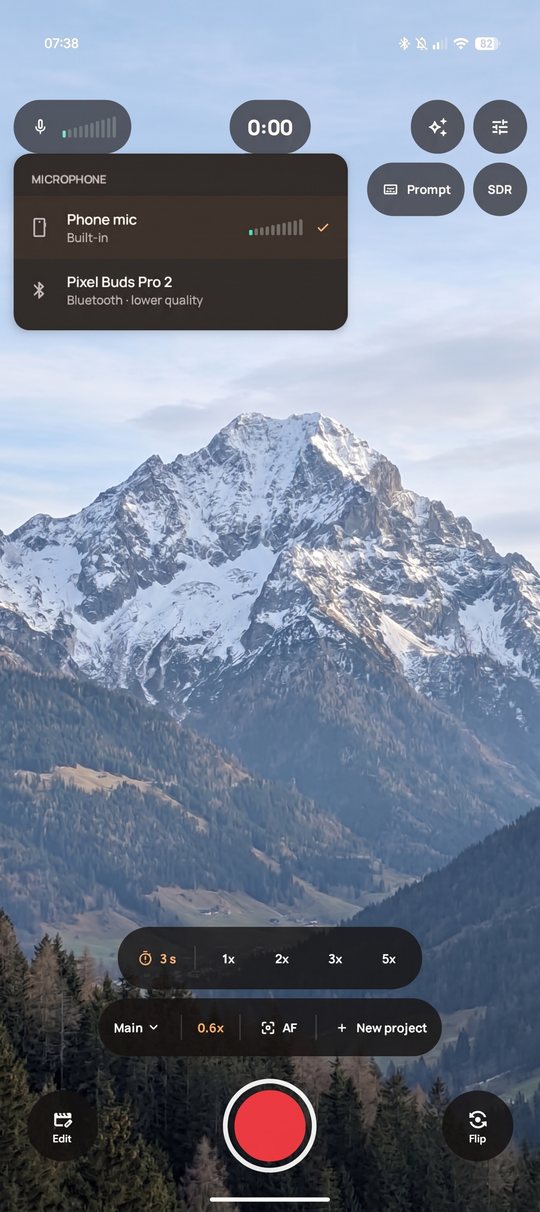
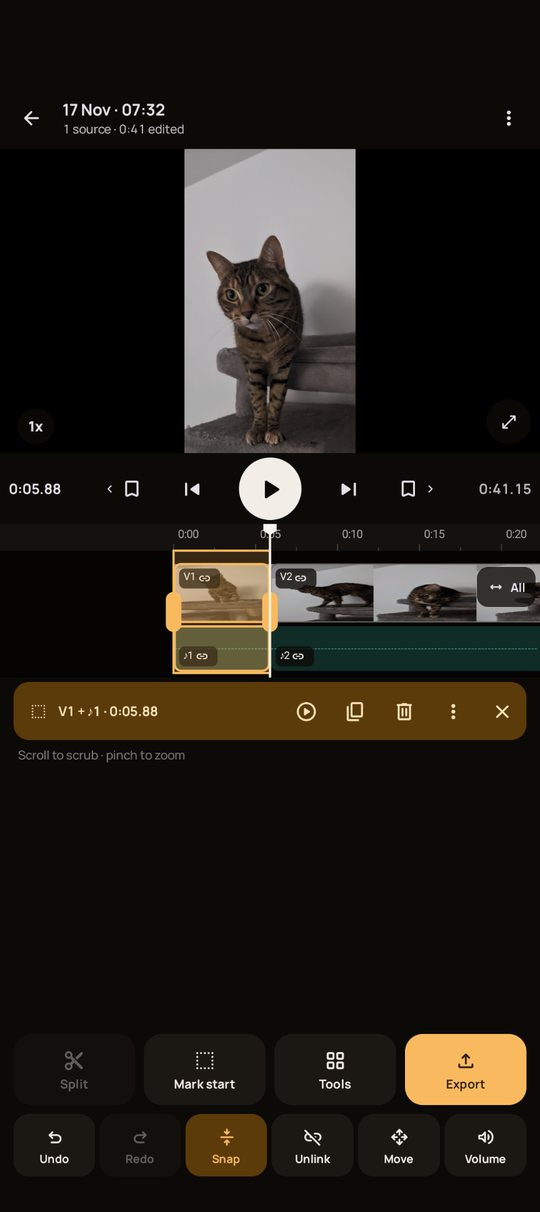
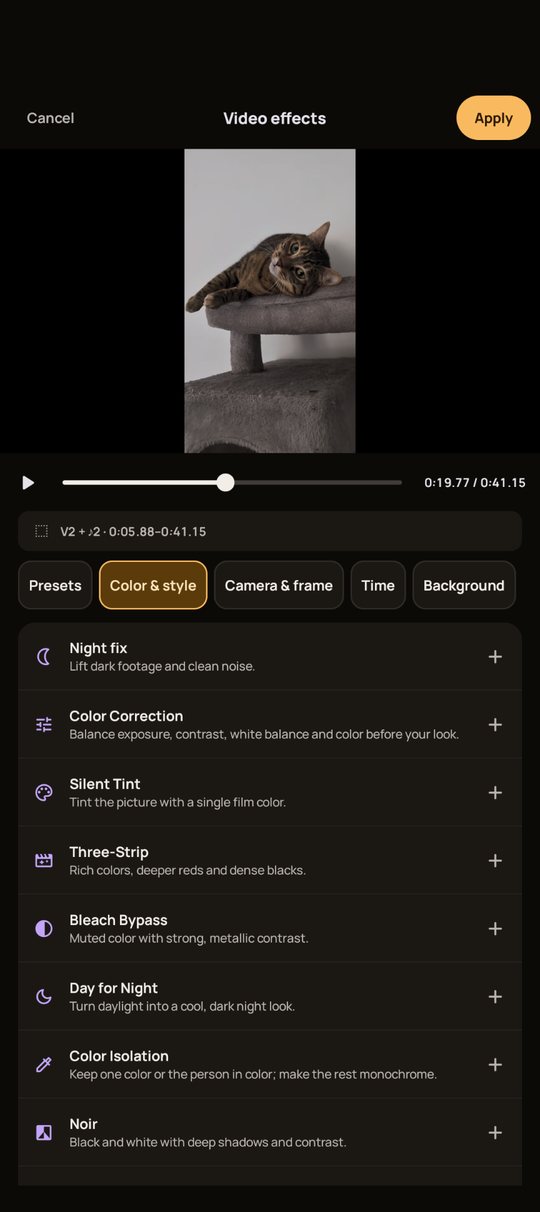
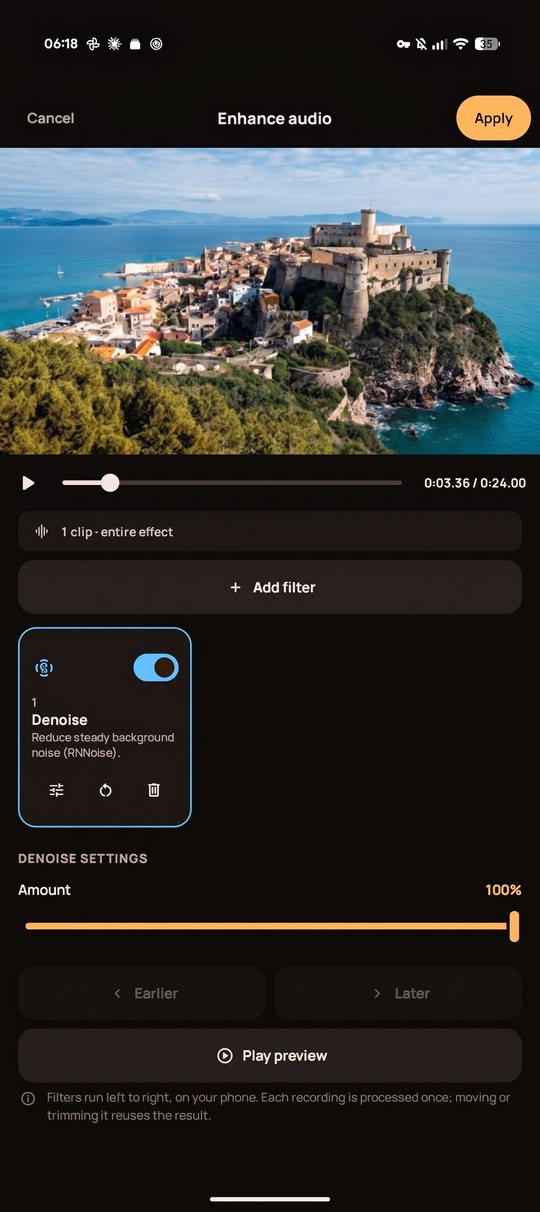
Real screenshots from the app. Every screen works with the phone held upright or sideways.
What it does
The whole list
- 01
Recording. Mic picker with a live level meter, zoom presets, focus lock, HDR, and live effects you can still change later. Keep adding takes to the same project. A teleprompter is there if you read from a script.
- 02
Cutting. Split, mark a range, copy and delete, with snap to cuts and undo for everything.
- 03
Pauses. filmo finds the silent moments and removes them for you. Keep any pause you want.
- 04
Look. Video effects and presets, color LUTs (import your own .cube files too), crop, mirror, stabilize, speed and transitions.
- 05
Text, images and more tracks. Titles, overlays, picture in picture, and a second video over the first.
- 06
Sound. Volume per clip, denoise and voice EQ, and quiet and loud clips brought to a similar level on export.
- 07
Export. 720p to 4K, 24 to 60 fps, HDR when your clips are HDR. It keeps going while you use other apps, then lands in your gallery. No watermark.
Coming soon
What I'm working on next
Not in the app yet. Both will run on the phone, with no internet, like everything else.
- 01
Captions. filmo writes down what you say and puts it on the video. Fix a word, pick a style, and the captions follow your cuts.
- 02
Stronger voice cleanup. Better noise removal for loud rooms and streets, and a way to bring back the detail a poor mic loses.
Good to know
Android only, for now
- ×
No iPhone version yet. filmo is only on Android for the moment.
- ×
No cloud backup. That's the point, but it means your projects live in the app. Keep a copy of the videos that matter: uninstalling filmo deletes its projects.
How the beta works
Small and honest
- Leave your email. The one of the Google account on your Android phone. That's all I ask for, and it's the only thing I'll ever keep about you.
- I invite people in small groups. You get a link that opens filmo on Google Play, and you install it like any other app.
- Keep it for two weeks, and tell me what gets in the way. Google asks new apps to be tested for 14 days before launch, so please don't uninstall it right away.
- Testers hear first at launch. If you like it, tell a friend. An app with no ads only grows that way.
Join the beta
Your next video, with nothing in the way
One email when your spot is ready. Nothing else.
You're on the list. Thank you.
I'll email you when there's a spot in the beta. Know someone who films themselves and is tired of ads and sign-ups?